
Work on your own rhythm
Accept shifts that fit your schedule. You choose your locations, assignments, and disciplines directly in the app.
 ChefBridge
Hire chefs and cooks for hospitality, fast and nationwide
Browse hospitality shifts and assignments with restaurants, hotels, and caterers across the Netherlands. ChefBridge works with experienced self-employed chefs who operate DBA-compliantly and decide when to accept assignments.
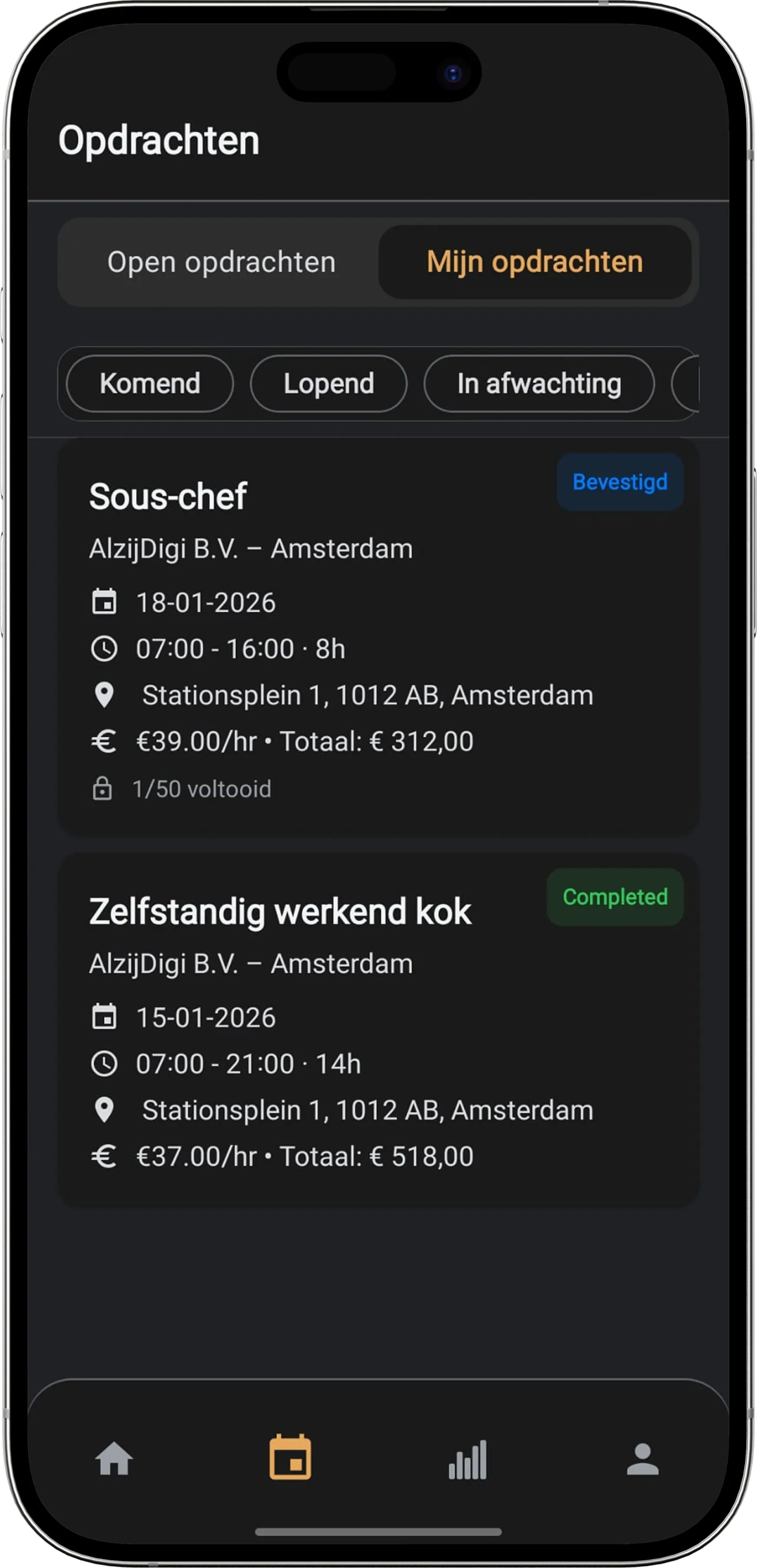
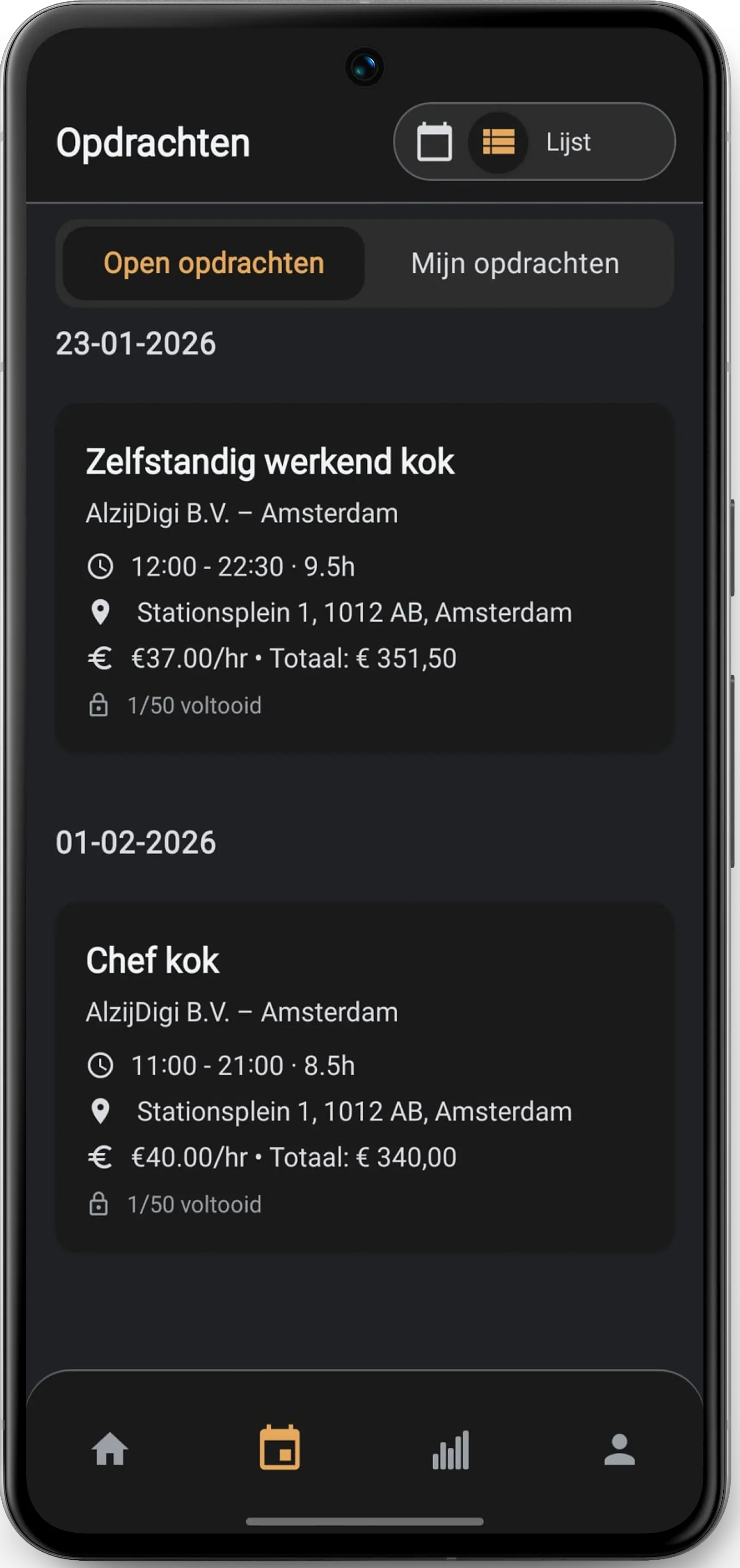 ChefBridge app
Download the ChefBridge app
Track assignments, payouts, and reviews in the app.


Build your schedule with shifts that fit your skills. Through the platform you immediately see which assignments match your profile filters.
Accept shifts that fit your schedule. You choose your locations, assignments, and disciplines directly in the app.
See the hourly rate, expenses, and assignment amenities such as meals, parking, or accommodation in advance.
Our team helps with matching, preparation, and evaluation, so you are never on your own with last-minute questions.
To safeguard the quality and independence of our network, we only work with experienced self-employed chefs who meet the conditions below.
ChefBridge only works with self-employed professionals. This means you decide when you work and which assignments you accept through the platform. That also keeps the collaboration legally clear under the Dutch DBA Act.
From intake to your first assignment: we guide you step by step. You are never on your own.
Complete the registration form with your details, business and experience. We review your registration within two working days and contact you if we have questions.
Once approved, you receive an email with your login details for the app. After that, you complete your profile and documents, sign the framework agreement and the ChefBridge back office reviews your file.
After approval and activation, you get access to the app and can respond to assignments that fit your discipline and availability.
Fill in the registration form; we review your registration within two working days. Prefer to talk first? Give us a call.